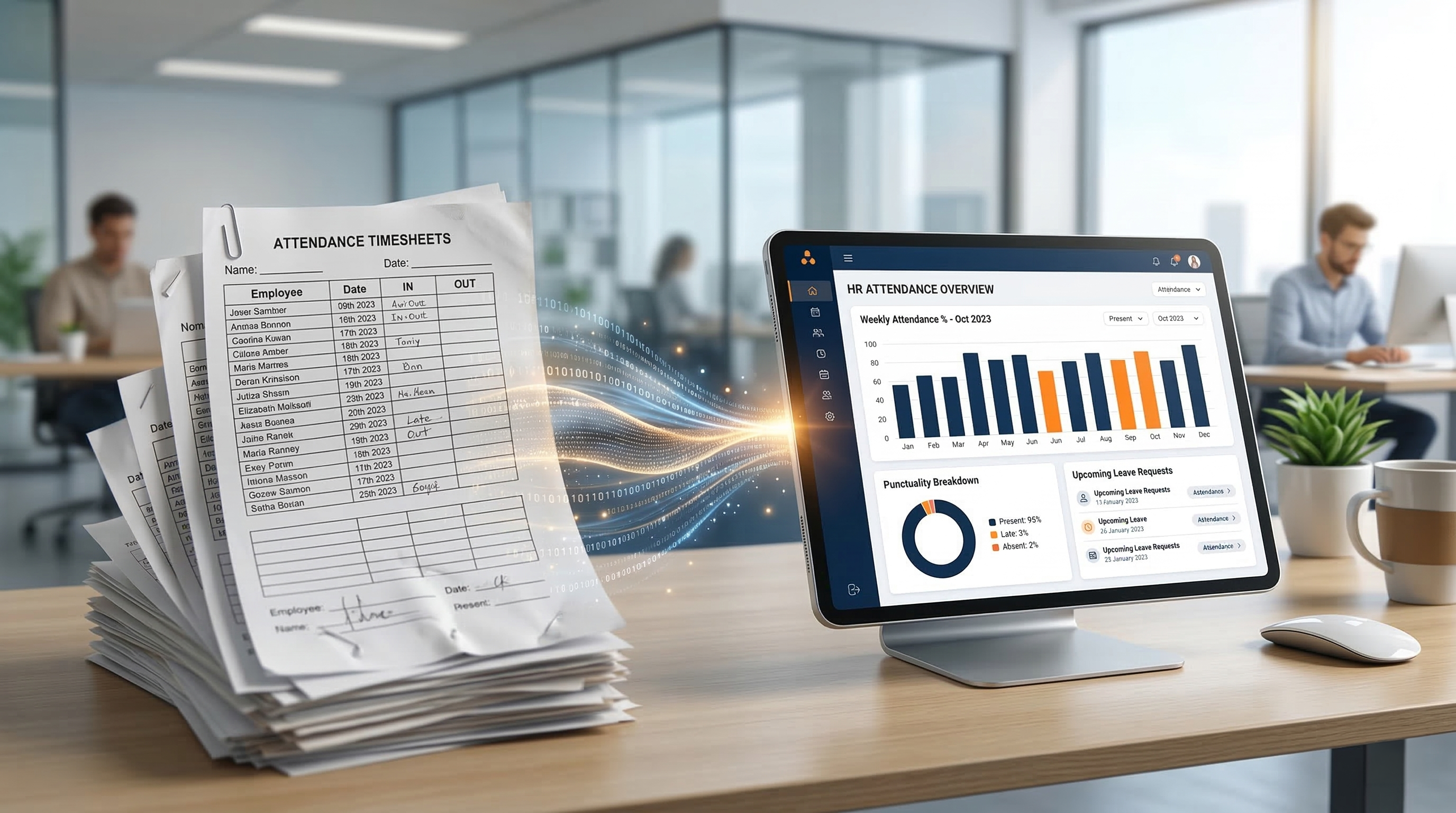
Most companies realize that Excel, shared spreadsheets, and paper books at the reception are unsustainable in 2026. They hinder growth, generate a huge amount of payroll errors, and rob management of time. So why do many companies still hesitate to switch to modern software? The answer is the fear of change.
Why do employees reject new systems?
People don't like it when their established routine changes. When implementing a new attendance or scheduling system, we most often encounter these concerns:
- "Yet another complicated IT system I'll have to learn."
- "It's just a tool so management can track us to the second."
- "It will take longer than signing a piece of paper with a pen."
The key to successful digitalization is therefore not only choosing the right software but, above all, the right communication. Here is our 4-step proven procedure from the practice of hundreds of implementations.
Step 1: Sell them the benefits (Not the features)
Instead of telling the team: "From Monday we are using a new cloud system", show them how this system will improve their lives. At ENEXI, we always recommend clients to communicate the following benefits to ordinary employees:
"We are implementing the new system so you can request a vacation in two clicks right from your mobile phone. So your paycheck is always calculated exactly to the cent without the risk of your overtime hour getting lost in paperwork. And so you can see your shift schedule from the comfort of your living room."
Step 2: Choose a system that doesn't look like it's from 2005
The fastest way to kill any digitalization effort is to choose a system that is visually outdated, cluttered with unnecessary buttons, and unintuitive. Software must be simpler than what it replaces.
When developing the ENEXI platform, we followed the Zero-Training rule for the ordinary user. Whether an employee logs in via a hardware terminal (card/Face ID) or via a mobile app, the process is so natural that it requires reading no manuals. Every module (Attendance, Projects, Catering) is designed with maximum user interface (UI) clarity in mind.
Step 3: Parallel Run (Testing Phase)
Never turn off the old system overnight. Choose a parallel run strategy (usually for 1 to 2 weeks or one billing cycle).
- Employees continue to log in the old way but also start recording arrivals in the new system.
- Management compares the outputs at the end of the month. This fine-tunes any discrepancies in shift and working fund settings.
- Employees gain the confidence that the new system doesn't bite.
Step 4: Implement Modularly (Don't buy the elephant)
Implementing attendance, project management, and catering all at once is a huge shock to company culture. The best practice is to start with the essentials – for example, arrival tracking. Once the team gets used to it and sees it works, they will naturally accept the shift planner or project tracking.
That is exactly why we built ENEXI as a strictly modular ecosystem. You don't have to buy a massive, cumbersome package. You just turn on the module you need right now, and the system grows smoothly along with you.